

Handheld Contact is our go-to mobile application for Act!.It works seamlessly without a hassle.

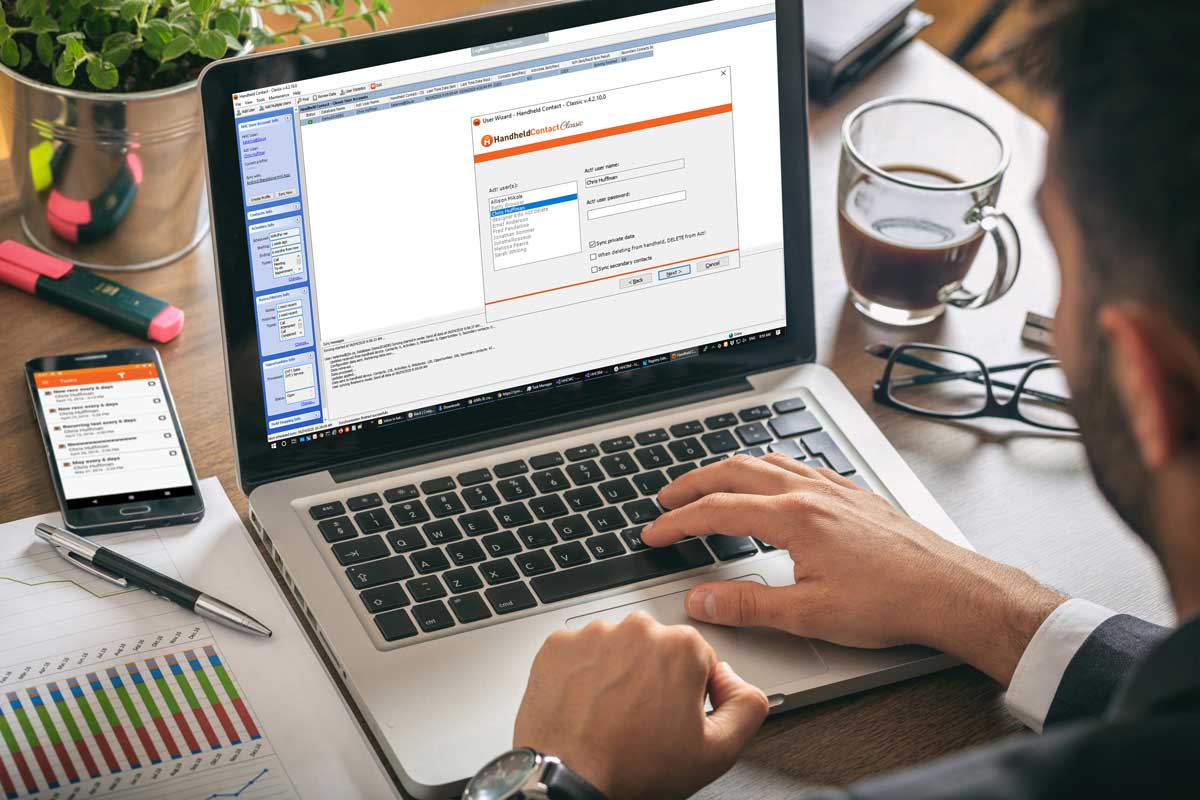
Benefits:
- Product stability. It simply doesn't crash. Other programs tend to duplicate contacts on both sides if the sync log gets corrupted.
- It's easy to use. You can allow the device and the computer to sync every 15 minutes, and you have to do nothing to make it work after the initial setup.
- Handheld Contact runs as its own application, so you can keep your personal life separate from your business life.
- It offers an offline copy of Act! while you are out of internet range
- You can record history from HHC and it will show up as a "history" in Act! when you get back to the office
- You can send email from HHC, and it records right to Act! history
- You can send SMS (Text Message) from HHC , and it will record right into Act! history
- Handheld Contact works on Act! Pro and supports legacy versions of Act! (v18+)
- New: Scan a business card with CamCard. Then, use the import contacts feature to import that contact from CamCard contacts to HHC as shown in this video
OK, what are some drawbacks ?
- The application supports 15,000 contacts (5,000 with Act! 2012 and older). If you have more than that, you need to make a group in Act! or upgrade the license to either HHC+ (+$20) or HHC+ Premium (+$35.95) to the basic price of $84/device/year
- Some may say it's a disadvantage not to use the native calendar and contact list on the smartphone.
- To get caller ID, HHC requires an additional step to export the contact to the native address book to see caller ID.
- It doesn't work when you host the database with Act! LLC. Instead, you need to use Handheld Contact API Edition.
Why not use Act! Companion ?
- Handheld Contact offers offline mobile access while the Act! Companion requires a constant internet connection
- Self-hosted Act! Premium users need to set up a web server and open a port on the internal firewall. Handheld Contact resolves this automatically.
- Act! Pro users don't have this option.
It’s a different approach on licensing.
Handheld Contact is a service that happens to be software at $84/year per device, which includes software updates and e-mail support from Handheld Contact. In terms of productivity and a “fire and forget” approach to software, Handheld Contact is a critical tool for any firm with mobile sales using Act!. Click here to setup a 14 day trial.
