


Using Microsoft Power BI to put Act! Contacts on a Map
Put your Act! database on the map with Microsoft Power BI.
With Act!, you can get one contact at a time into a Google map, but what if you wanted to get all contacts on a map without buying a dedicated mapping program? I found Microsoft Power BI to do this. In just two clicks I can find customers by state with a map.
There are plenty of other ways to visualize Act! data, and we can even join it with data from Quickbooks and Excel workbooks at the same time. With Power BI, you can stay on screen to get the answers you need. Contact us if you want this setup at your office.

Determine if Reps Have Synchronized Act! in Two Clicks
If you have reps in the field, and they synchronize the database, you don't have to ask them whether they have synchronized recently. Just click on the Act! dashboard first from your main (aka publisher) database.
If the rep hasn't synchronized recently, they can go to Tools-> Synchronize Panel -> Synchronize Now in Act! then synchronize the data.
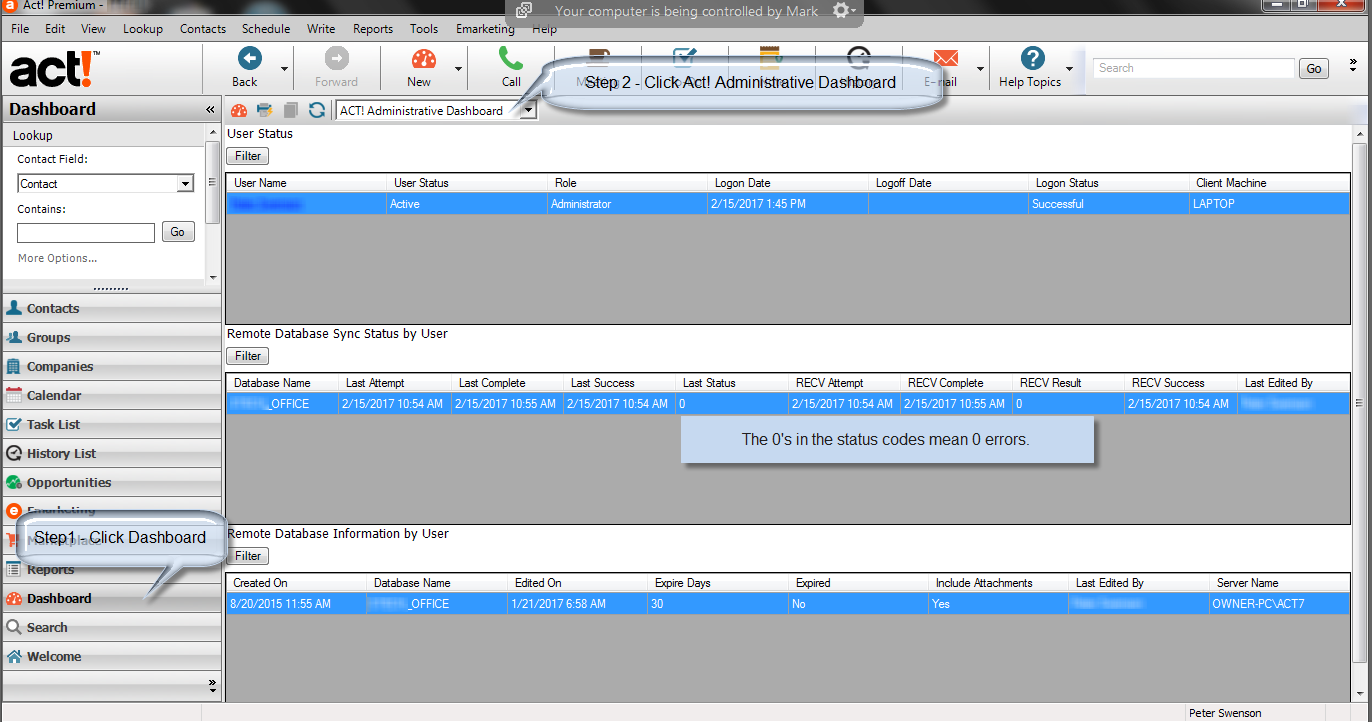
If you have trouble implementing this or troubleshooting errors, we can help. MondoCRM has been working with Act! synchronization since 1998.
About Social Selling - Ditch The Elevator Pitch
I met Mark Carter in 2006 at a local networking event in Chicago, and I consider him one of the best at on-site networking to generate new business. In this interview, Mark and Brynne discuss how to use social media and avoid leading networking events just talking about you and your sale.
So how does this relate to CRM ? Out of the box, CRM usually requires a degree of customization; otherwise, it remains under utilized. CRM software is feature-rich, and I help people put on the final touch to really help my clients close more deals.
Setting up Act! Premium for Web with Outlook
For clients hosting with MondoCRM, you can connect Act! Premium for Web with your locally installed copy of Outlook. The most important thing to remember is only one type of integration works. It's either Act! for Windows or Act! Premium for Web to integrate with your locally installed copy of Outlook.
Here is the complete instructions from the Act! knowledge base.

Act! on the Mac
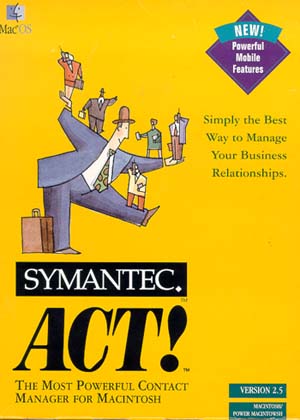 The last ACT! for Mac edition was published in 1998, and Mac users still don't have a native solution. So here is what we suggest.
- Use Parallels for Mac to turn the Mac into a Windows machine for using Act!.
- Host Act! with us, and you can use a browser
- Host Act! with a terminal server or Citrix environment
Swiftpage, the current owners of Act!, do not have any plans to release a native Mac solution at the time of this post.